
Tags
Turkey Passport Generator
This page corresponds to the Turkey Passport version and is suitable for common document display, workflow testing, and KYC verification scenarios.
Overview
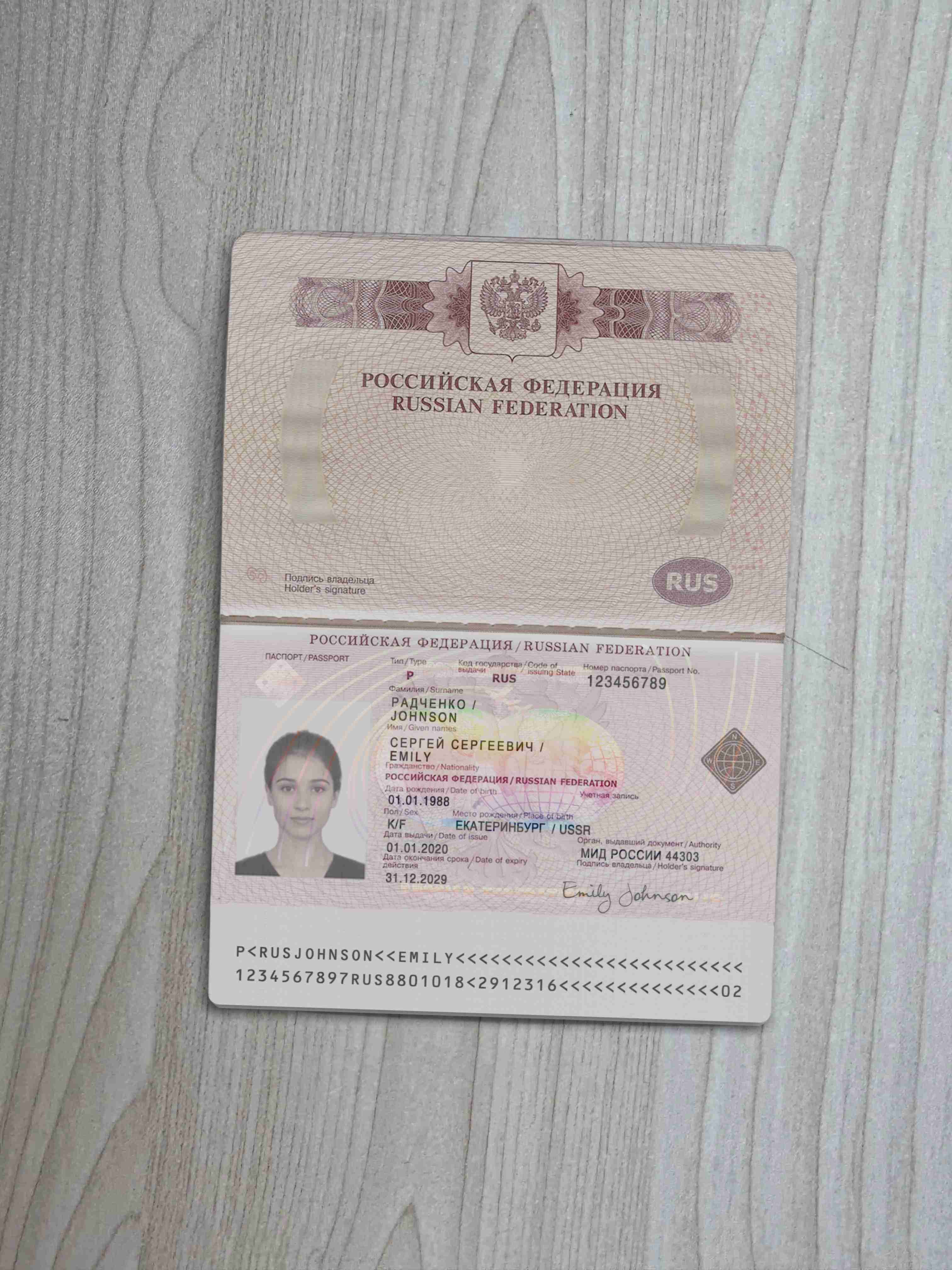
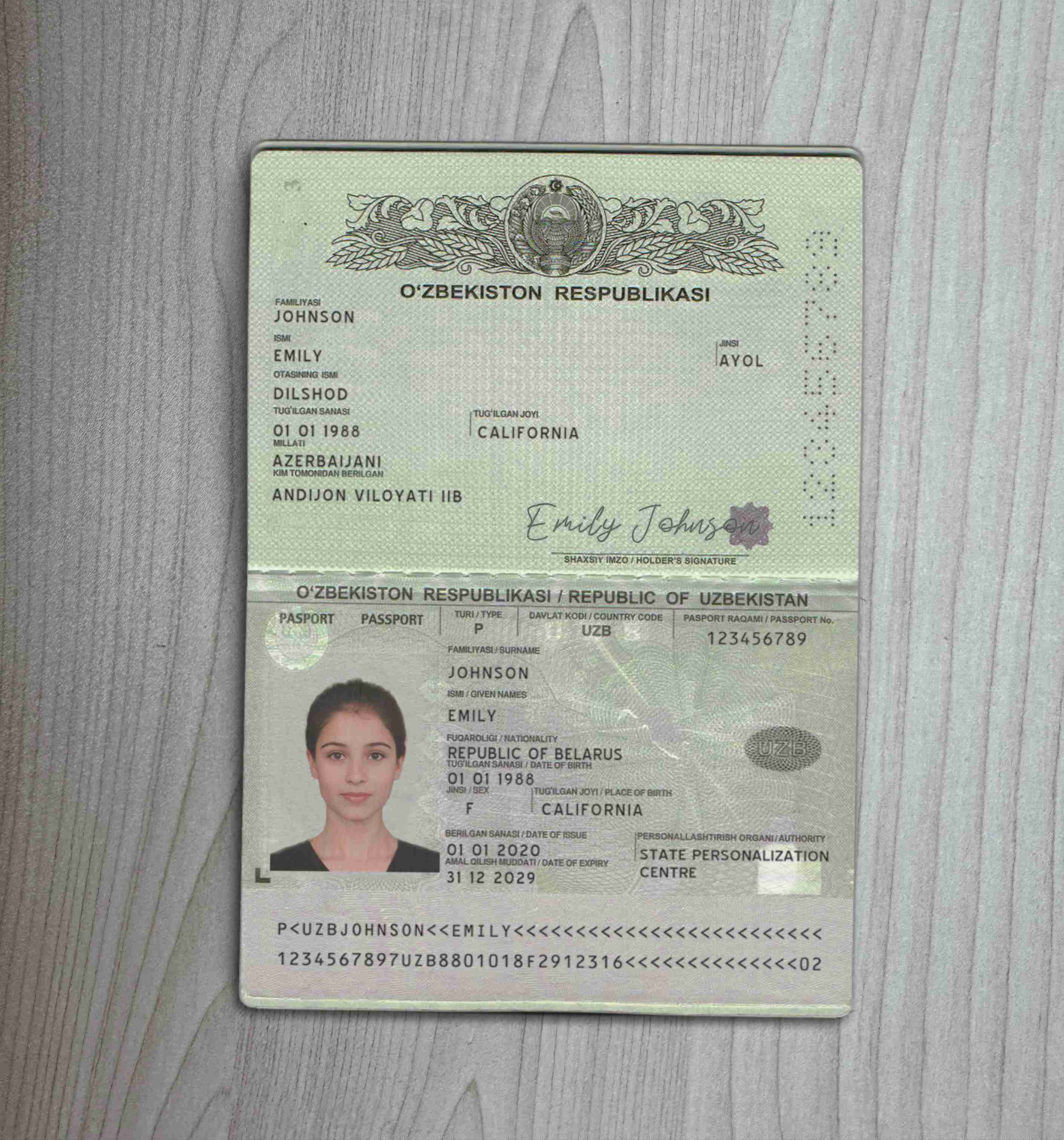
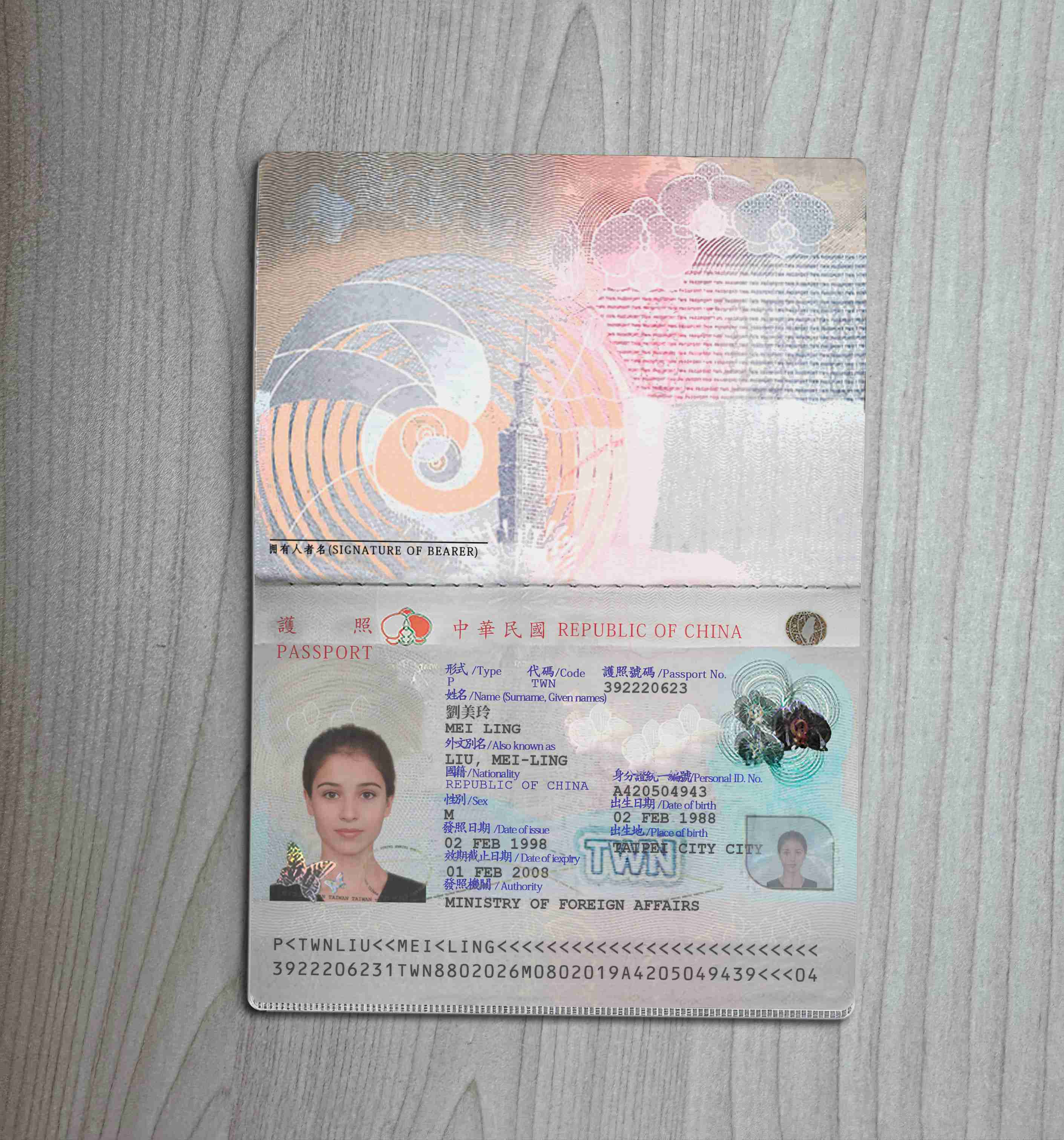
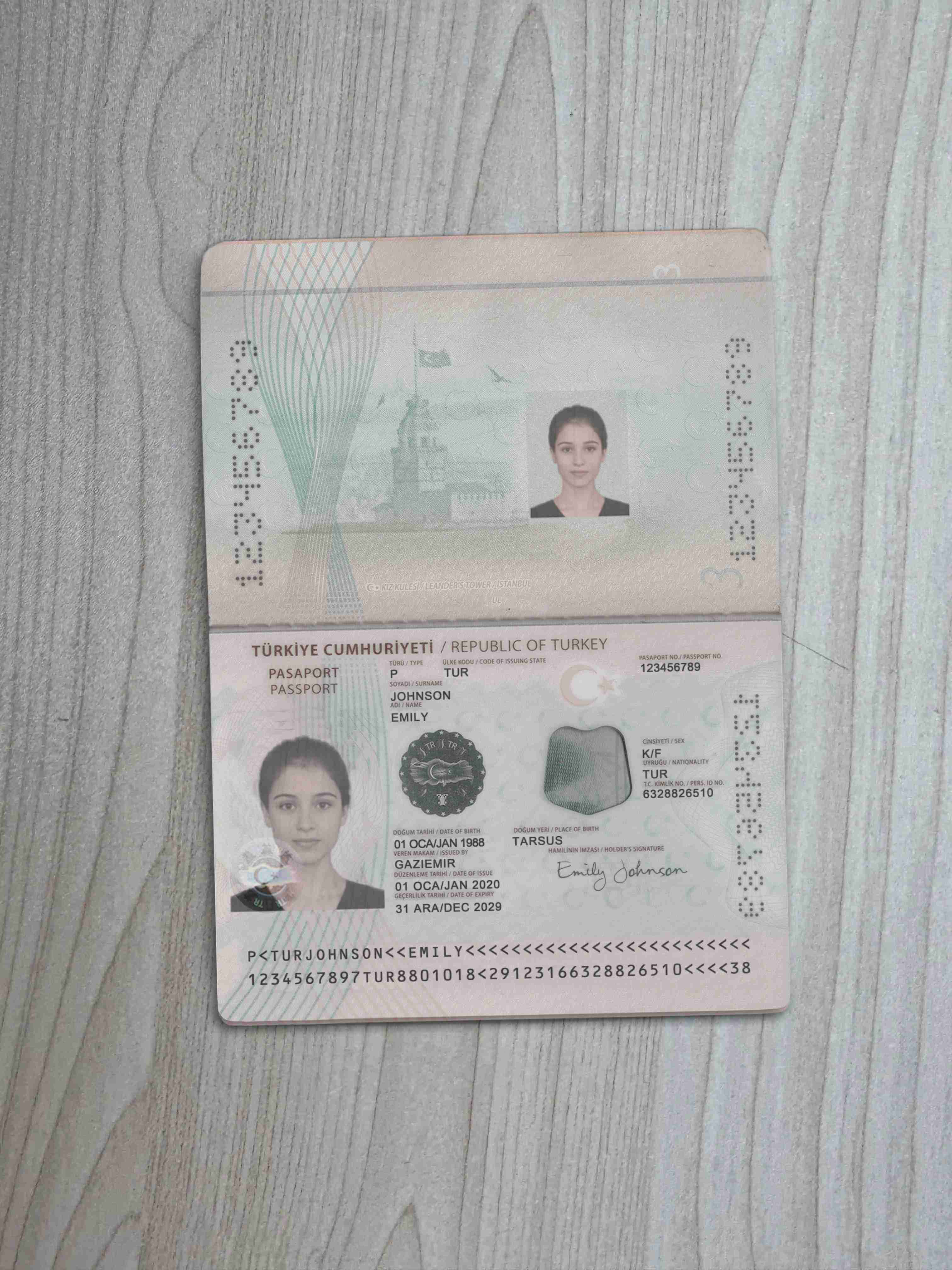
The Turkey passport is the official document used by citizens of the Republic of Turkey for border crossing and international travel. It is also one of the identity documents accepted by many platforms. This version follows the general layout of the current Turkish biometric passport, including the burgundy cover, the e-passport chip area, layered anti-counterfeiting details, and a Machine Readable Zone (MRZ) that follows ICAO standards. The visible layout also keeps the bilingual date format and field arrangement commonly seen on Turkish passports, so the final look is closer to the version actually in circulation.
KYC acceptance
The Turkey passport is a common document type in many international KYC flows, and document recognition systems can usually read it without trouble. That said, real acceptance still depends on each platform's own risk rules. Some banks, exchanges, and payment providers will check the issuing country, image quality, selfie match results, and whether the MRZ can be parsed cleanly. In other words, a document being common is one thing. Whether it passes still depends on the review logic used by the platform at that moment.
Anti-counterfeiting details and output differences
To make each result look closer to a real document image, the generator handles several key details during the process:
- Valid Machine Readable Zone (MRZ): The system generates MRZ strings from your input in ICAO 9303 format, so document scanners and verification modules can read them.
- Automatic EXIF data: The exported image includes simulated EXIF metadata such as device information and shooting time, which makes the file look more natural overall.
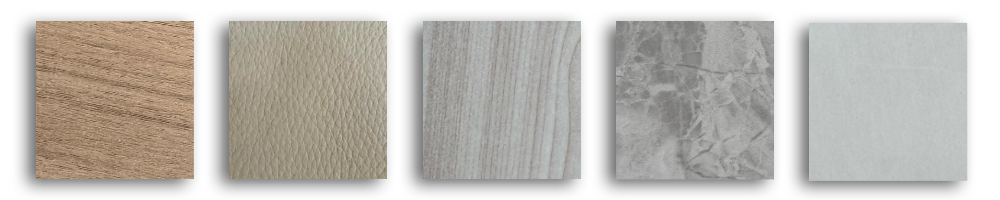
- Replaceable backgrounds: If every sample uses the same background, patterns become easy to spot in batch review. So this version provides multiple background options for producing different variations.
- Random image noise: The final image includes subtle random noise that is hard to notice with the naked eye. Even if the same input is used twice, the output will not be identical at pixel level.
How to use
The workflow is straightforward and can be broken into three steps:
- Fill in or auto-import the data: Enter the name, place of birth, birthday, date of issue, and other fields manually, or use auto-fill first.
- Upload a photo or signature: If needed, add a personal photo and signature image to complete the layout.
- Click "Generate": Once submitted, the system creates a preview result based on the current Turkey passport settings.
You can start creating the Turkey passport version now.